Design Idea 1:
For my first ever attempt in creating an Illustrator portrait I didnt want to over complicate it. Simply because of the fact I have never created realistic features of my face before. At the start of the process the main shape of my head and torso was looking good, and I even started to create the patterns of the shirt on my arms. However, I soon realized that no matter how I created the eyes and mouth they wouldn’t match the simplicity of the rest of the design. But I did manage to fix this problem by adding my glasses and not creating a mouth at all. I still added my beard and eyebrows just to give you the gist of where those other elements would be.
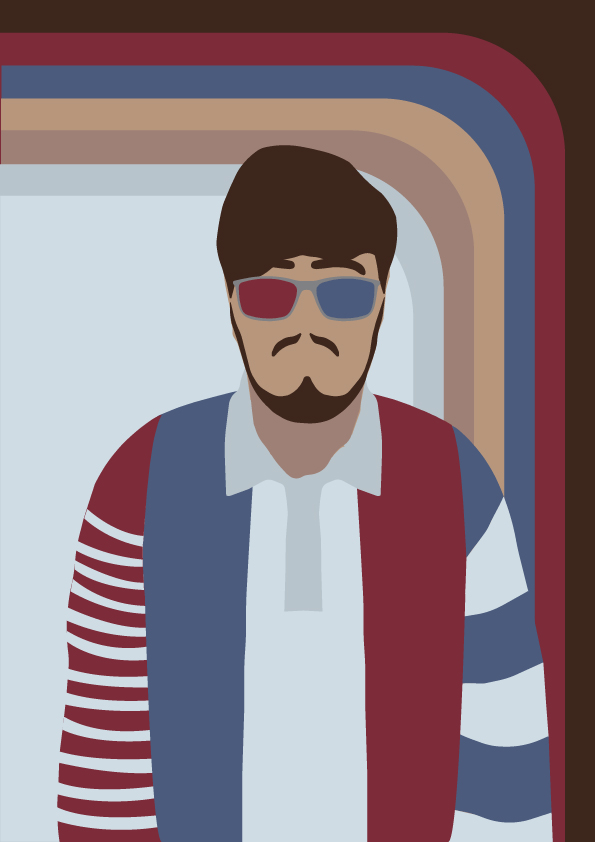
For my background I wanted to show a very renown pattern known from the 70s that I particularly like, the classic 70s stripes pattern. Even though the colours in it are super recognisable I decided to use the colours from my portrait. And because all this has to be original I recreated it myself using rectangles with curved corner.
Design Idea 2:
For my second design I decided to change my portrait up a little. Instead of creating myself out of shapes and other elements I wanted to turn myself into something. Something that meant something to me. So I created myself as a Lego minifigure. As a kid I always loved Lego and even now I see some more complex sets as pretty good decorations around my room.
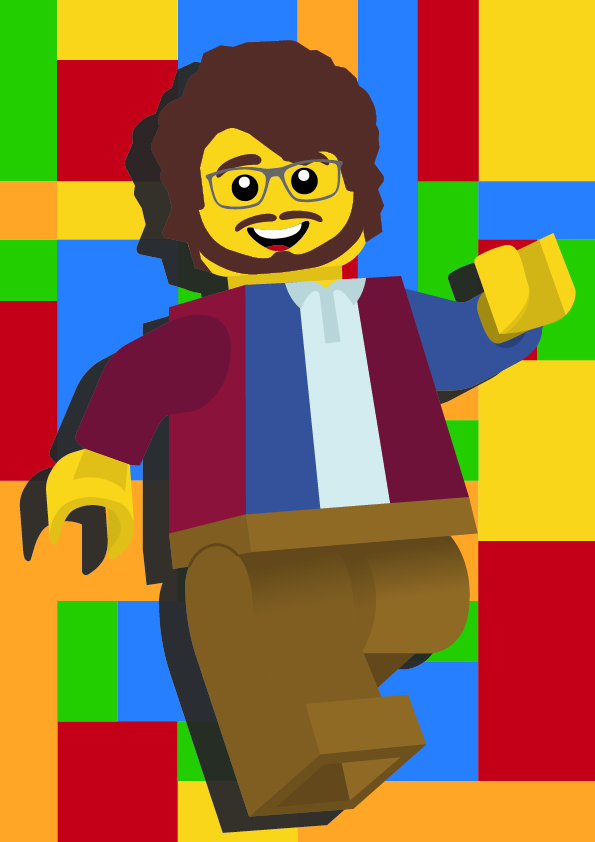
The process of creating this portrait was pretty straight forward. I took an image of a full white Lego figure for my base shape. To keep it looking like me as much as possible I added the same shirt from the portrait above, all facial features and glasses too.
0 Comments